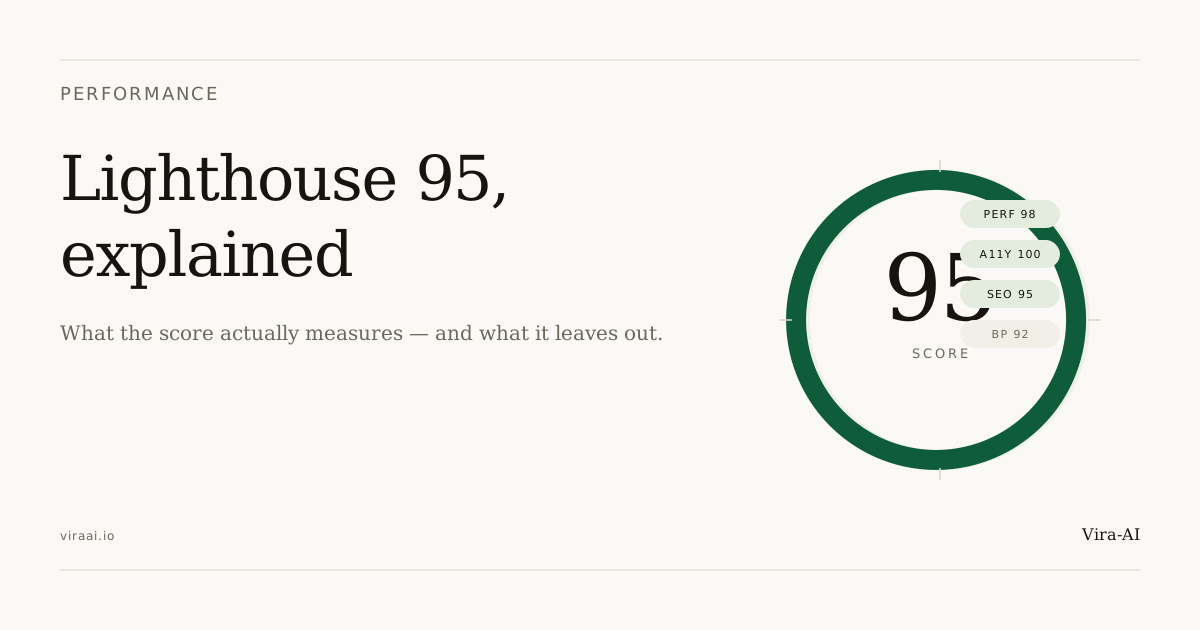
A restaurant owner emailed us last year with a screenshot of a Google Lighthouse 95 score audit report. Her site scored 47 on Performance, 62 on Accessibility, and 71 on SEO. She wanted to know whether the score actually mattered, and whether we could help without rebuilding the whole site.
The honest answer: the score matters more than most owners think, and you usually don't need a full rebuild to move it. We audited her site, fixed seven specific issues over a weekend, and the next audit came back at 94 across the board. Total cost was a fraction of what a rebuild would have run. Here's what those numbers mean, what we changed, and what to do if your current site scores in the 50s or 60s.
Google Lighthouse 95 score: What it measures
Lighthouse runs four audits and reports them separately: Performance, Accessibility, Best Practices, and SEO. Each gets a 0–100 score, and the four are independent: you can have a 99 in SEO and a 55 in Performance, and most small business sites do.
The audits run through Chrome DevTools, driven by Google's open-source Lighthouse engine. The numbers are not the same as Google's actual search ranking signals, but they overlap heavily, and a high Lighthouse score correlates strongly with the Core Web Vitals optimization small business that Google does use.
What each metric means (with real examples)
The Performance score rolls up four Core Web Vitals optimization small business, each tied to a specific user experience:
- LCP (Largest Contentful Paint): how fast the biggest visible element loads. Target under 2.5s; over 4s is poor. For a small business site, the largest element is usually the hero image or the headline block. A 4MB unoptimized JPEG pushed LCP to 5.8s on one site we audited; the same page after image optimization was 1.9s.
- CLS (Cumulative Layout Shift): how much the page jumps around as it loads. Target under 0.1; over 0.25 is poor. The most common cause is a web font loading after the page renders, which shifts every paragraph. We see this on roughly 60% of legacy small business sites.
- INP (Interaction to Next Paint): how fast the page responds when someone taps or clicks. Target under 200ms; over 500ms feels broken. INP replaced FID in 2024 and is the metric most sites score worst on, because mobile JS bundles are heavy and main-thread blocking is common.
- FCP (First Contentful Paint): how quickly anything visible appears. Target under 1.8s; over 3s is poor. FCP is usually a hosting or render-blocking issue, not a code issue.
For a small business site, these directly affect whether the visitor stays. A two-second delay on mobile measurably drops conversion; a five-second delay loses most visitors.
What we actually do to hit 95+ on every site
Performance is structural, not cosmetic. The choices that get a site to 95+ are made before the design, not patched in after. Specifically, on every Vira-AI build:
- Static site generation with custom static, so the page is served as plain HTML. No waiting on a server to render React on every request.
- Image optimization at build time: WebP or AVIF format, right size for the layout slot, explicit width and height attributes so the browser reserves space before the image loads.
- System font stack as the fallback, so the page paints immediately even before the custom web font finishes loading. The custom font is layered on top with
font-display: swap. - No third-party scripts in the critical path. Calendly, analytics, and chat widgets load after the page is interactive, not before.
- Inline critical CSS for above-the-fold content, defer everything else.
The accessibility and best-practices scores come from the same foundations: WCAG-conformant markup, structured data, HTTPS, no deprecated APIs, and the discipline of not shipping anything that doesn't pass the audit.
Core Web Vitals Optimization: Why We Focus on Real Speed
It's possible to hit 100. It usually costs more than it's worth. The last few points typically come from things that don't move the needle: swapping a font format to shave 20ms, hand-tuning a script loading order to push INP from 180ms to 150ms, eliminating a third-party integration that actually serves the business.
We'd rather ship a 97 that loads instantly, ranks well, and does what the business needs than a 100 that loads the same but took three extra engineering days. Across the last dozen Vira-AI launches, our median Performance score is 97, and the spread is 94–100.
What to do if your current site scores 60
If you run Lighthouse today and your site lands in the 50s or 60s, here's the prioritized fix list, in the order that gets you the most points per hour of work:
- Compress and resize your hero image. This single fix moved the restaurant site from 47 to 71 on its own. A 4MB photo should be a 150KB WebP.
- Set explicit width and height on every image. Fixes the CLS jump when images load.
- Add
font-display: swapto your web fonts (or switch to system fonts). Removes the flash of invisible text. - Defer third-party scripts. Analytics, chat widgets, and Calendly embeds should load after the page is interactive, not before.
- Fix accessibility basics. Color contrast on buttons, alt text on images, labels on form fields. These often push Accessibility from the 60s to the 90s in an hour.
- Move to HTTPS if you haven't. Best Practices score is a 0 without it.
- Add a sitemap and a robots.txt. SEO score jumps to 95+ on most sites from these two files alone.
Items 1–4 will get most sites to 85+ on Performance in a focused weekend. Items 5–7 are quick wins across the other categories. Anything past that usually means a rebuild, and that's where we come in.
For a deeper rebuild or a fresh start, every Vira-AI project ships with a Lighthouse score in the shared handover doc: see our recent portfolio for examples, the full $2,999 pricing breakdown for what's included, or get in touch if you'd like an audit on your current site.